
Download NVIDIA GeForce Experience – graphics card driver update, game optimization, driver update tool, PC gaming utility, NVIDIA control panel
Overview
NVIDIA GeForce Experience is a dedicated utility designed for Windows users equipped with NVIDIA graphics cards. Its primary purpose is to streamline the maintenance and optimization of gaming performance by automating driver updates and game-specific graphics settings. The application addresses common pain points faced by PC gamers, including outdated drivers that can cause instability, reduced performance, or compatibility issues. It also solves the challenge of manually configuring optimal graphics settings for hundreds of different games, which can be overwhelming for non-technical users.
Target users include casual and competitive gamers, system builders, and anyone seeking a hassle-free way to maximize their NVIDIA GPU’s capabilities. The app is especially beneficial for users who prioritize visual fidelity and smooth gameplay without delving into advanced graphics settings. Real-world use cases include preparing a gaming rig for a new title release, ensuring stability during extended gaming sessions, and maintaining peak performance across multiple games without manual intervention.
Developed by NVIDIA Corporation, a leading name in GPU technology, the app is deeply integrated with the company’s ecosystem. It serves as a central hub for driver management and game optimization, enhancing the overall value of NVIDIA hardware. In the broader PC gaming utility landscape, GeForce Experience stands out as a reliable, automated solution that reduces user effort while improving gaming outcomes.
Key Features & Functionality
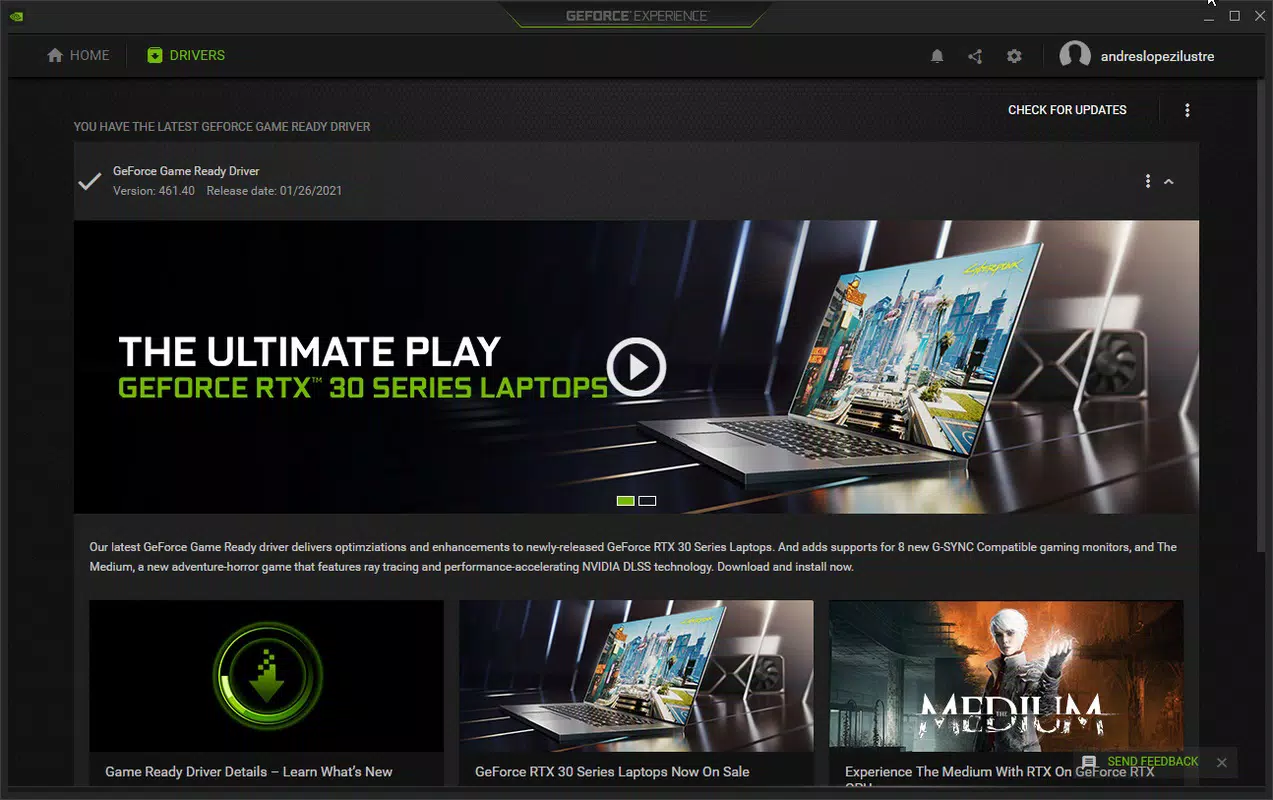
- Automatic Driver Updates – The app continuously monitors for new NVIDIA driver releases and notifies users when updates are available. Users can review the changelog and choose to install the update with a single confirmation, eliminating the need for manual searches on the NVIDIA website.
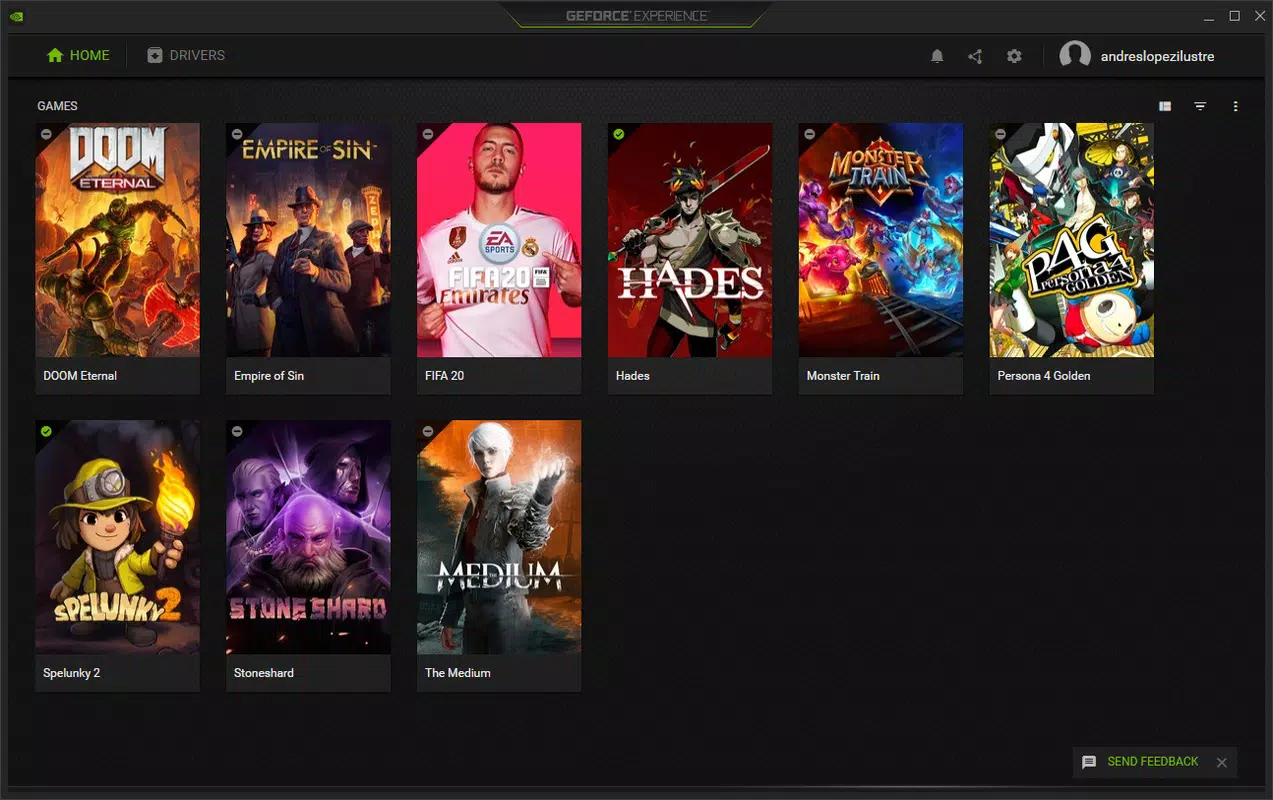
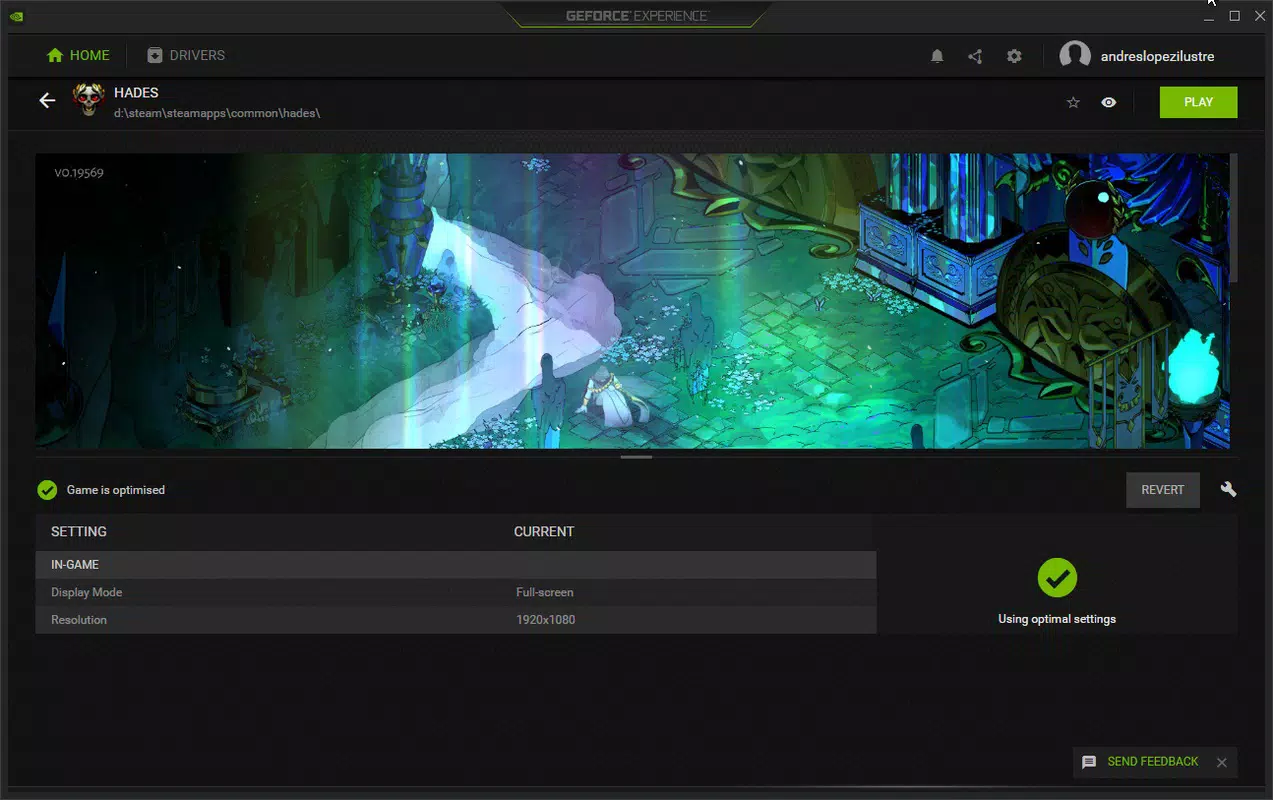
- Game Optimization Profiles – GeForce Experience automatically detects installed games, including those from Steam and other platforms, and applies pre-configured graphics settings optimized for performance and visual quality. This ensures that games run smoothly without requiring users to adjust settings manually.
- NVIDIA Control Panel Integration – The application provides access to core GPU settings through a unified interface, allowing users to fine-tune display, 3D, and video settings directly from the GeForce Experience dashboard.
- Game Recording and Streaming – Built-in capture tools enable users to record gameplay, take screenshots, and stream directly to platforms like Twitch or YouTube, all with minimal performance impact.
- ShadowPlay Technology – This feature allows for high-quality video capture with low CPU and GPU overhead, making it ideal for content creators and streamers who want to preserve system performance during recording.
For example, when a new game like *Tomb Raider* is launched, the app detects it, downloads the optimal graphics profile, and applies it automatically. Similarly, when a critical driver update is released, users receive a prompt to install it, ensuring their system remains stable and secure. These features collectively reduce technical barriers, allowing users to focus on gaming rather than system maintenance.
Interface, UX & Performance
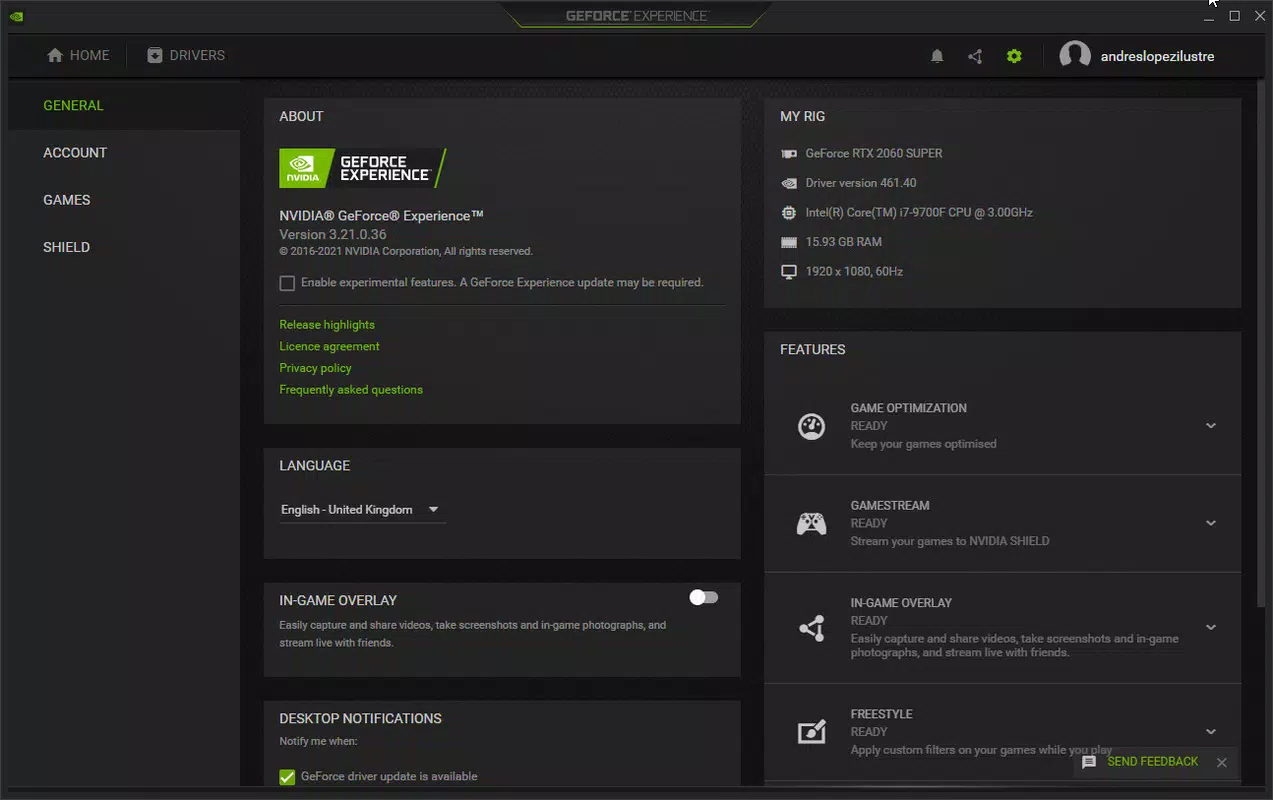
The interface of NVIDIA GeForce Experience is clean, modern, and well-organized, featuring a sidebar navigation system that provides quick access to key functions such as Drivers, Games, Broadcast, and Settings. The visual design prioritizes usability, with intuitive icons and clearly labeled sections. Navigation is linear and predictable, making it easy for users of all experience levels to locate desired features.
Performance is generally efficient, with the application consuming minimal system resources during idle and active use. Although the developer did not list formal performance metrics, the app maintains responsiveness across a range of Windows devices, from budget laptops to high-end gaming desktops. Updates are processed in the background, and the app does not interfere with gameplay or system stability.
Responsiveness is consistent, with quick load times and smooth transitions between sections. The app handles large game libraries without lag, and the optimization process for multiple titles is completed swiftly. Stability is maintained through regular updates, and crashes or freezes were not reported in the provided information. The overall user experience reflects a mature, well-tested product designed for long-term use.
Platform Compatibility & Technical Requirements
NVIDIA GeForce Experience is designed exclusively for the Windows operating system. The current version is 3.290.1, and the app has a file size of 42.8 MB. It is available at no cost, making it accessible to a wide range of users. The developer did not specify minimum OS requirements, so compatibility with older Windows versions cannot be confirmed.
While the app is optimized for systems with NVIDIA graphics cards, it may not function properly on systems without compatible hardware. Users should ensure their GPU is supported by NVIDIA’s driver ecosystem. The app is not available on mobile platforms such as Android or iOS, as it is designed for desktop and laptop environments.
For users considering installation, it is recommended to verify that their system meets the hardware prerequisites for NVIDIA drivers, which are typically required for full functionality. The app itself is lightweight, which contributes to its broad compatibility across different device categories.
Pros and Cons
Pros
- Automatically detects and installs critical driver updates
- Optimizes graphics settings for a wide range of games with minimal user input
- Intuitive interface suitable for both beginners and experienced users
- Integrated game recording and streaming tools with low performance impact
- Free to download and use with no in-app purchases
Cons
- Requires an NVIDIA graphics card to function properly
- Not available on mobile platforms such as Android or iOS
- Some advanced settings are only accessible via the full NVIDIA Control Panel
- Automatic updates may occur without user consent if settings are not adjusted
- Compatibility with older Windows versions is not confirmed
FAQ
Is NVIDIA GeForce Experience safe to install?
Yes, the app is developed by NVIDIA Corporation and distributed through official channels. It does not contain malware or unwanted software.
Can I use GeForce Experience without an NVIDIA GPU?
No. The application is designed specifically for systems equipped with NVIDIA graphics cards and will not function on non-NVIDIA hardware.
Does GeForce Experience require an internet connection?
Yes. The app needs an active internet connection to check for driver updates, download game optimization profiles, and access cloud-based features.
How often does GeForce Experience check for updates?
The app checks for updates automatically in the background. The frequency is determined by NVIDIA’s update schedule and system settings.
Can I disable automatic driver updates?
Yes. Users can customize update preferences in the app settings to receive notifications before installing updates, allowing for manual control.
Final Thoughts
NVIDIA GeForce Experience is a powerful, essential tool for any Windows user with an NVIDIA GPU. It simplifies driver management and game optimization, delivering tangible improvements in performance, stability, and visual quality. The app’s seamless integration with the NVIDIA ecosystem, combined with its user-friendly design, makes it a top choice for gamers and content creators alike.
Whether you're a beginner looking to get the most out of your gaming setup or a seasoned user wanting to reduce maintenance overhead, GeForce Experience offers real value. Its free availability and lightweight footprint further enhance its appeal. For anyone serious about PC gaming, this app is not just helpful—it’s indispensable.
Download NVIDIA GeForce Experience now


